

Client Message
Subject, priority, attachments and the full conversation stay together.
Support & Helpdesk
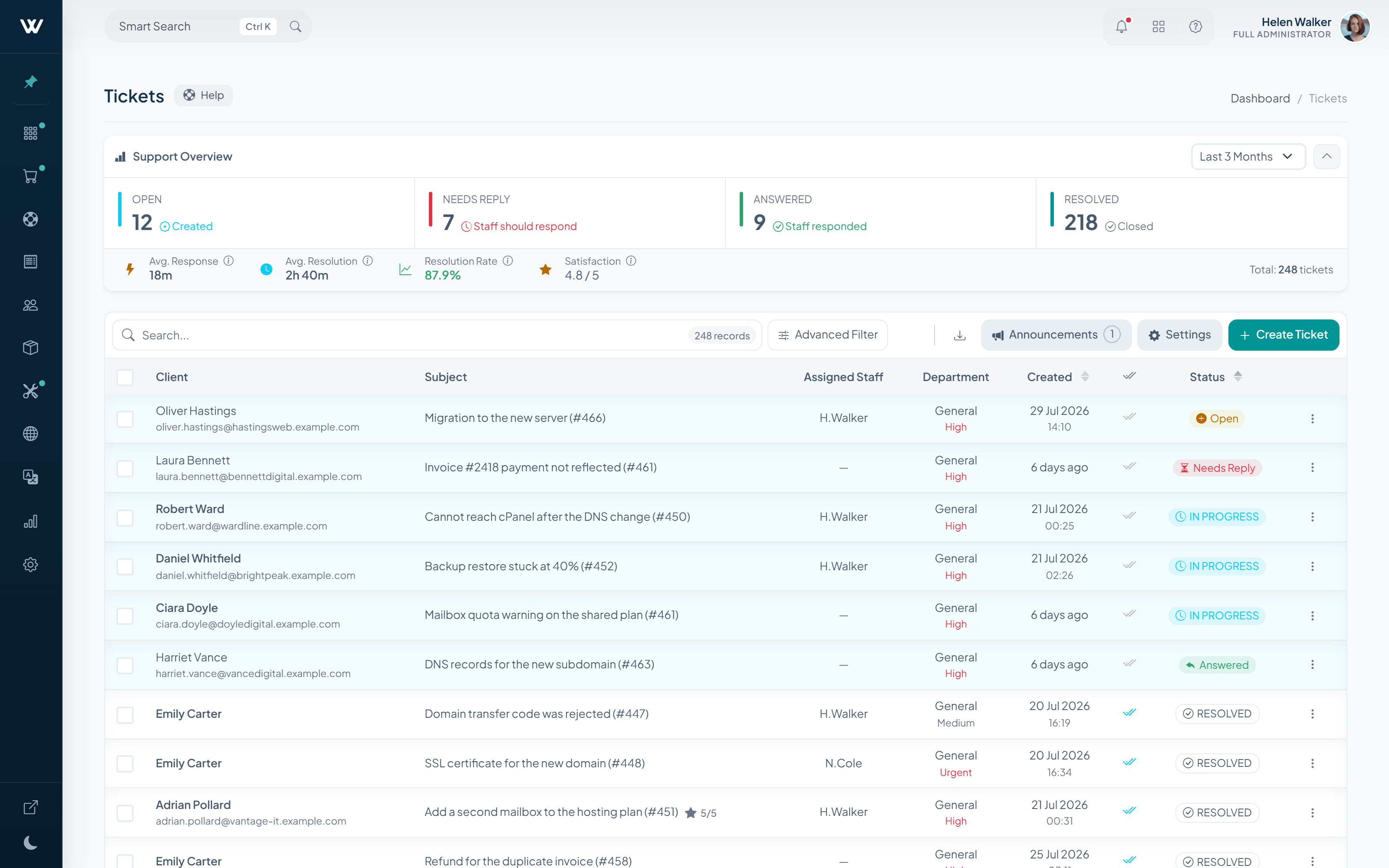
WISECP brings the client message, related service, department fields, encrypted access details and operator actions into one support workflow.
Resolution Inputs
A ticket can carry the business and technical context staff need before the first reply is written.
Subject, priority, attachments and the full conversation stay together.
Connect the request to the hosting, server, license or service it affects.
Collect the exact details each team needs with reusable access groups.
Keep credentials in structured private data instead of unencrypted replies.
Every input stays connected to the ticket reference, department and ownership history.
Resolution Context
The support workspace keeps the request, the service and sensitive access details close to the decisions staff make next.
Client Intake
The client chooses a department, priority and related service, then adds structured access details only when the case requires them.
Support Operations
Keep responsibility visible, then bring forward only the action the case needs.
Client Ticket Experience
Announcements sit above the ticket table, preview stays one hover away and new replies arrive without a page reload.
Connection is refused after the latest firewall update.
Resolution Feedback
WISECP keeps reply quality and overall ticket satisfaction separate, then applies the configured Trustpilot threshold to both moments.
Knowledge Continuity
A searchable knowledge base helps clients solve common issues, while feedback and view data show where content needs attention.
Support PIN gives the client a dedicated verification control before a sensitive support conversation continues.
Follow the recommended access steps and keep credentials out of ordinary messages.
SLA & Policy Automation
Auto Tasks turn response and escalation policy into explicit conditions, then perform the subsequent action your operation defines.
Email Piping
Give each support mailbox its own intake policy, processing mode and destination queue.
Optional AI Addon
Connect a supported provider to help staff draft, improve, summarize or ask questions about a ticket. Auto replies can be sent to the client or held as a hidden staff draft.
Operator-controlled assistance. Provider connection and reply delivery remain explicit.Paid AddonIncluded in Business Plan
See the Full Support Loop
Open the live demo to explore encrypted intake, live conversations, message and ticket ratings, Email Piping, Auto Tasks and knowledge base controls.